
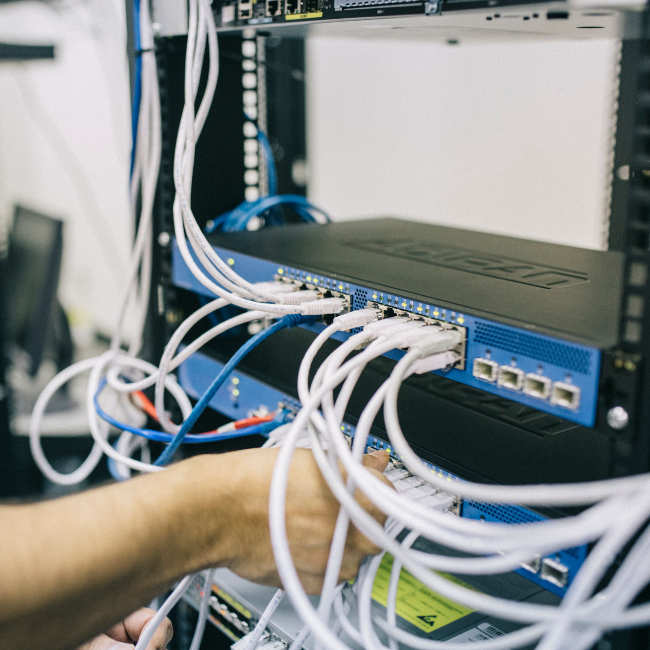
Operation, data and permissions
SenseDrive runs on premises, meaning on your own servers or in your private cloud. Every SABO IT customer gets their own complete installation. Where the language model runs can be decided independently. SenseDrive takes over access permissions from your source systems, which the platform accesses read-only.
Operating options
Two decisions, independent of each other
01
Where the platform runs
On premises in your own data center or in your private cloud.
02
Where the language model runs
Locally in your network, on your own GPU server or as a cloud model.
What this means for your data
If the language model runs locally in your network or on your own GPU server, the content of the query stays inside your own network. With a cloud model, the content of each query is sent to the model provider.
Permissions
Permissions come from the source system
SenseDrive takes over access permissions from the connected source systems and doesn’t maintain its own permission management. Whatever someone is allowed to open in Confluence or Jira is also available to them in SenseDrive as a source. Which sources appear in an answer depends on the permissions of the person asking.
Source systems
Connected source systems
Various data systems with common data formats can be connected, including PDF, CSV and Excel, as well as images and scanned documents from which text is extracted. Confluence, Jira, code repositories and files are currently connected. Further source systems are added depending on the use case and available interfaces.
Access
SenseDrive reads your systems
The platform has read access to the connected systems and doesn’t write back to them. Your source systems remain the primary systems, and content maintenance stays with the responsible teams.
Questions and answers
Where does SenseDrive run?
On premises on your hardware or in your private cloud. Every customer gets their own complete installation from SABO IT. You decide separately where the language model runs.
Can a language model be run in your own network?
Yes. With SenseDrive, you decide where the language model runs, independently of where the platform runs: locally in your network, on your own GPU server or as a cloud model. SABO IT sets up the chosen option in the customer project.
Which data leaves the company network?
That depends on the chosen model option. If the language model runs locally in your network or on your own GPU server, the content of the query stays inside your network. With a cloud model, the content of each query is sent to the model provider.
Does every customer get their own installation?
Yes. Every customer gets their own complete installation of SenseDrive.
How are access permissions handled?
SenseDrive takes over access permissions from the connected source systems and doesn’t maintain its own permission management. The permissions of the person asking determine which sources appear in an answer.
Which source systems can be connected?
Various data systems with common data formats can be connected, including PDF, CSV and Excel, as well as images and scanned documents from which text is extracted. Confluence, Jira, code repositories and files are currently connected. Further source systems are added depending on the use case and available interfaces.
Does SenseDrive write back to the source systems?
No. The platform has read-only access to the connected systems. Your source systems remain the primary systems, and content maintenance stays with your teams.
What SenseDrive answers from
Currently connected: Confluence, Jira, code repositories and files, including PDF, CSV and Excel, as well as images from which text is extracted. Further source systems can be connected as part of the customer project.