
SABOtap
AUTOMATED END-TO-END TESTING OF TOUCH HMIS ON REAL HARDWARE
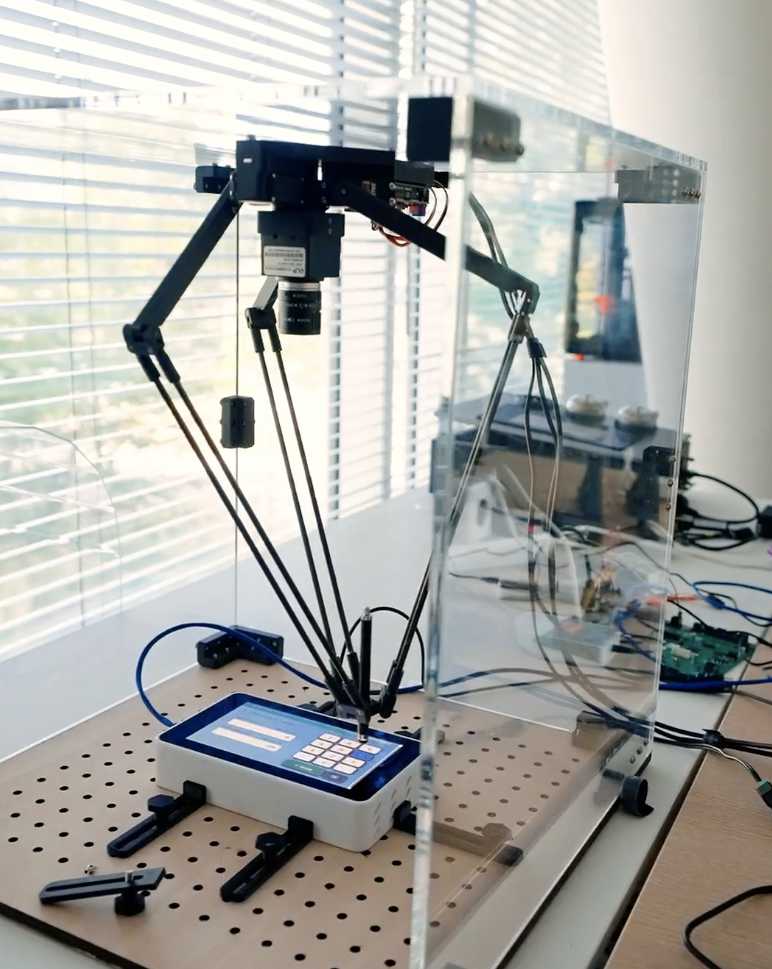
SABOtap is a test setup for touch HMIs: a robot operates the control panel, image analysis checks the response, and signal simulation supplies values from the device’s environment. Testing runs on the production firmware, with no test interfaces in the device under test. SABO IT provides the test setup and, as a testing service, handles the entire test process, in our lab or at your site.
BOOK A MEETING
Regression tests for every firmware version
With every firmware update, testing the user interface starts over. SABOtap takes over this work. The robot taps, swipes and long-presses like an operator and runs every test series in the same sequence for every version. Every test step is documented with a screenshot.
A shifted button is a finding
If a control element sits a few millimeters further to the right or left after an update, SABOtap reports it as a finding, with the screenshot. That is the information that matters before release.
How SABOtap works
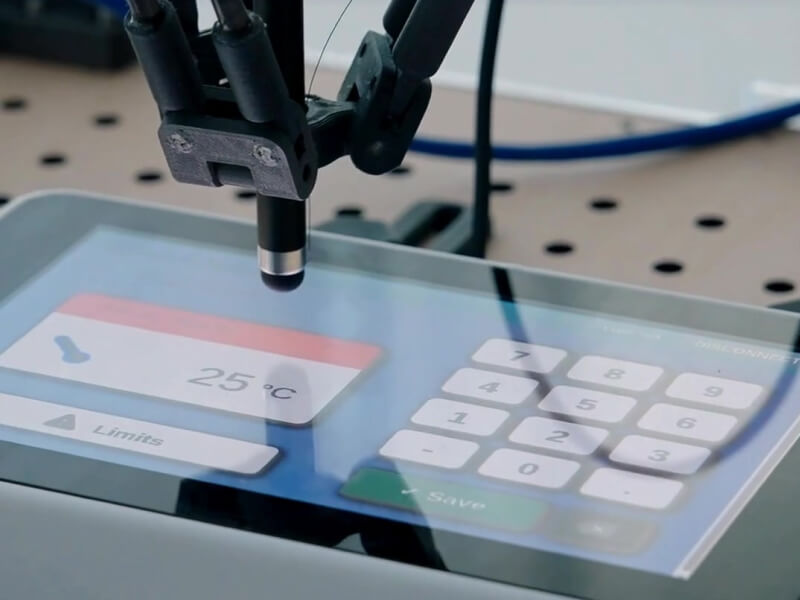
SABOtap complements your unit, integration and HIL tests by covering the layer your customers actually use: the user interface on the finished device.
01
Robot
A robot operates your device directly on the control panel.
02
Image analysis
A camera captures the display. Image comparison and text recognition read what is actually shown and compare it with the expected state.
03
Signal simulation
The device receives simulated sensor values through its own interfaces. The display shows how it responds. This way, the firmware behaves as it would in the real installation.
04
Test control
Tests are controlled via Robot Framework, the SABO IT interface or your existing test framework.
We also test how the device responds to its environment
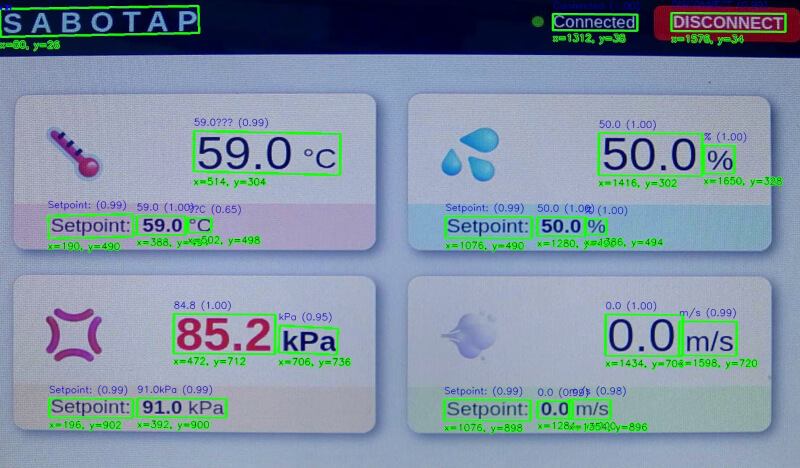
While the robot operates the device, we read from the display whether it responds correctly.The result is pass or fail, with a screenshot for every test step and a test report for each version.
The missing alarm
The robot sets the limit value, the simulation drops the pressure below it, and the alarm doesn’t go off. The test fails, and the finding goes to development with an image and log.
From requirement to finding
Good tests start with a clear requirement. SaTI, our test preparation tool, reviews your requirement and helps make it unambiguous, complete and testable. This produces draft test cases, each traceable to its requirement. A tester approves them, and then the robot runs them on the device.

01
Requirement
02
Review
03
Test case
04
Approval
05
Robot
06
Finding
Ways to test

In our lab
You send us the device; we set up the test rig and run the tests.
At your site
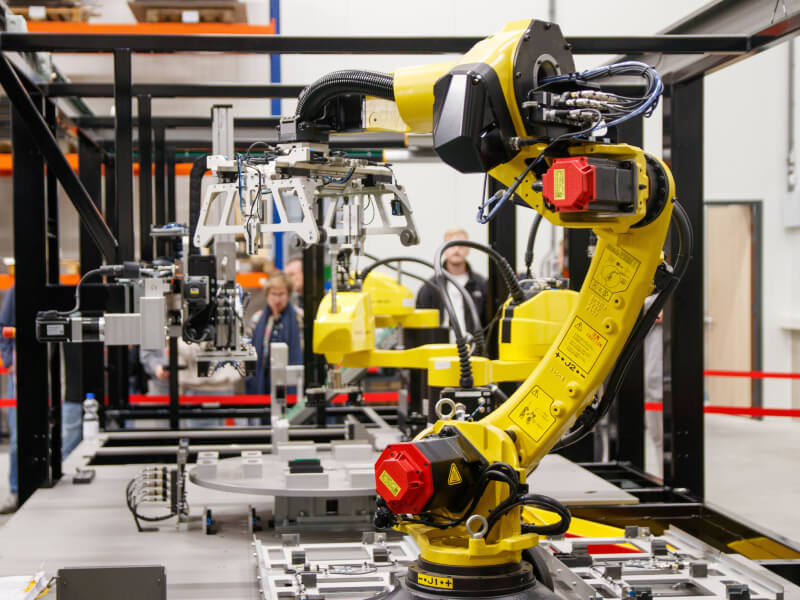
If the device can’t leave your premises, the robot comes to you on loan. We handle setup and operation, without a network connection if required.
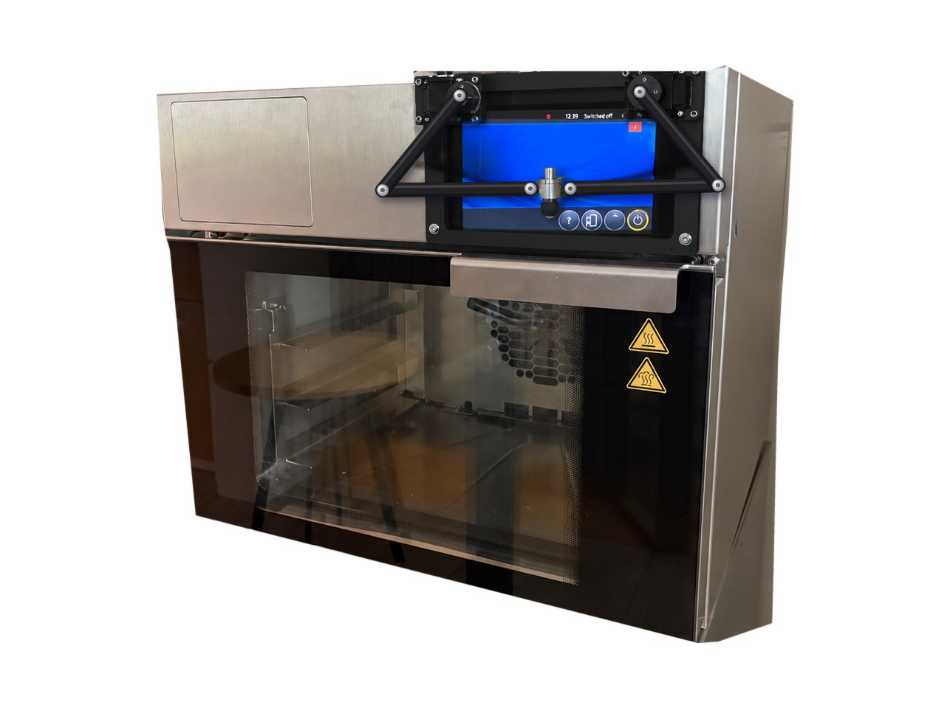
Directly AT the machine
The control panel will not need to lie flat: the robot will be mounted directly at the machine and will operate the display even when it is installed vertically or at an angle. The device stays mounted, at your site or in our lab.
Planned extension

For industry and medical technology
We test devices operated via a touch display, for example PLC and HMI panels, operator terminals, analytical and laboratory devices, patient monitors and consoles. For medical devices, the testing service brings the same documentation and evidence discipline our own development follows: EN IEC 62304 and DIN EN 60601-1.
What you get
Documented test results for your use case
Test cases aligned with your requirements
Logs for each firmware version, with screenshots
Findings prepared for your development team
Show us your device.
FAQ
What is SABOtap?
SABOtap combines two things: a test setup consisting of a robot, a camera with image analysis and signal simulation, and the SABO IT testing service that uses it to test devices with touch operation. The robot operates the control panel on the real device, and every finding is backed up with a screenshot. Testing runs on the production firmware.
How does a robot test a touch HMI?
It carries out the steps defined in the approved test cases. A camera reads the display and compares what is shown with the expected state. If something deviates, SABOtap records the finding with a timestamp and screenshot.
How does SABOtap fit into our existing test strategy?
SABOtap complements your unit, integration and HIL tests by covering the layer your customers actually use: the user interface on the finished device. Everything you test today, you keep testing.
Where does testing take place?
Wherever suits you: in our lab, at your site or, in development, directly at the machine. If the device should not leave your premises, the robot comes to you, on loan for the duration of the tests and without a network connection if required. The robot is not for sale. SABO IT handles setup and operation.
Is the testing service suitable for medical devices?
Yes. For medical devices, the SABO IT testing service brings the same documentation and evidence discipline that our own development work follows: EN IEC 62304 and DIN EN 60601-1.
Get in touch