
A production system is down, the technician is on site, and the answer exists somewhere: in the maintenance manual, in a ticket from last spring, or in the mind of a colleague who is away.
He makes calls and searches through the available sources. After forty minutes, he finds a value that conflicts with the value in another document. He now has to rely on his own judgment.
This is not a rare situation. It is everyday reality in companies whose service and maintenance documentation has grown over the years. It is also where the expensive mistakes begin, and usually not on the first visit: the cost appears on the second one, which becomes necessary because the first took place without the right information.
Two factors determine the cost of a heterogeneous knowledge base: the search time per technician per day and the fully loaded hourly cost.
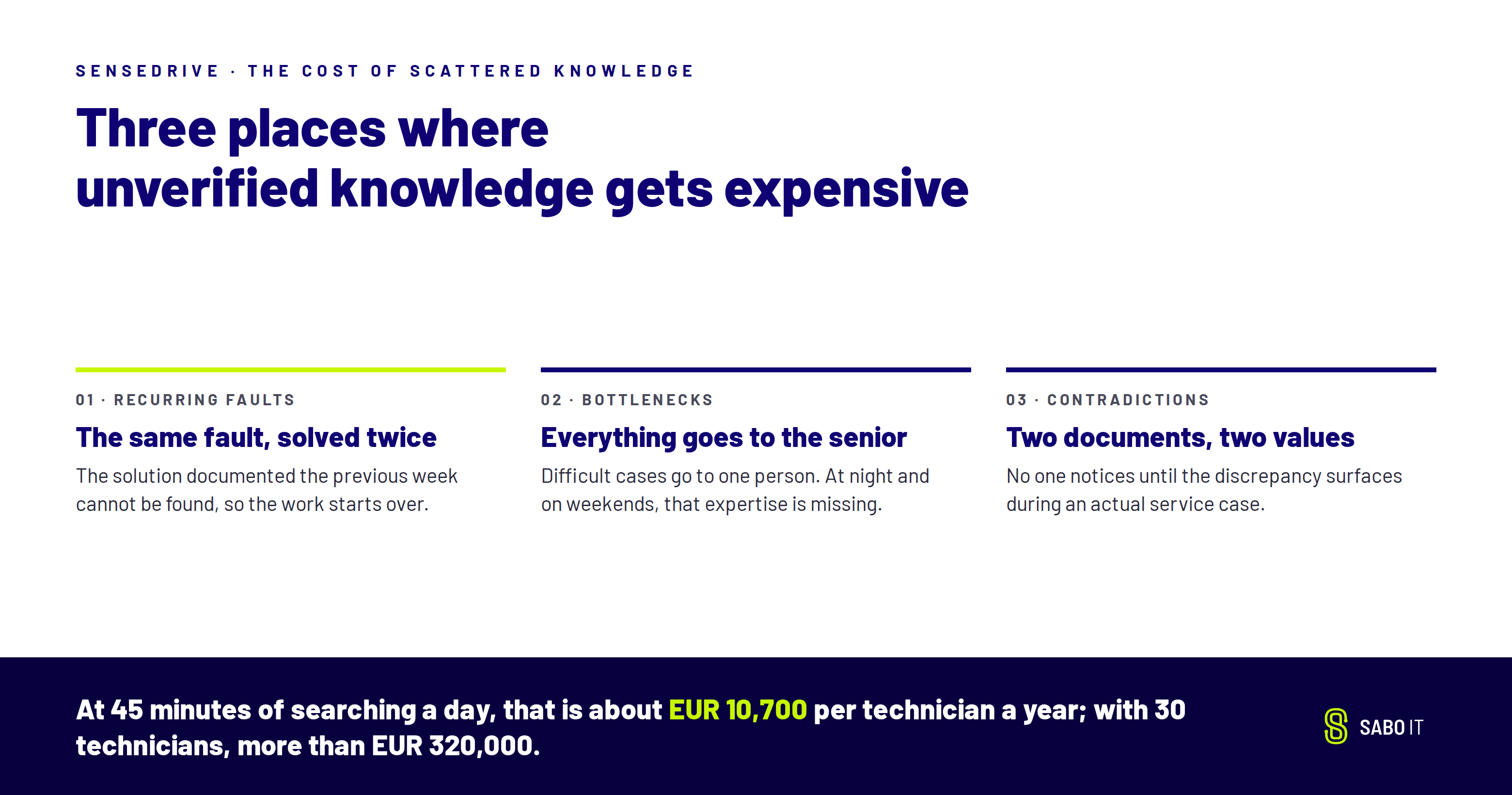
At 45 minutes of searching per day, 220 working days and a fully loaded hourly cost of EUR 65, searching alone costs approximately EUR 10,700 per technician each year. For a team of 30 technicians, the total exceeds EUR 320,000.
This calculation proves nothing. What it does provide is a common framework that you can apply to your own figures.
The search time is only part of the cost. Three other areas can be even more expensive:
Three approaches to scattered service knowledge are widely used today. Most companies already use at least one of them. Each has its place, but none solves the underlying problem.
The AI assistant in the office suite. It works well in the office for email, meeting notes and presentations. It reaches its limits when working with complex technical documentation. And it usually runs in the vendor’s cloud.
The document chat tool. Quick to set up and inexpensive for small teams. It reproduces information from the files. It does not check whether two sources contradict each other, and when the source material is unclear, it may generate an unsupported answer. It also does not know who is allowed to see what.
The in-house build. The building blocks all exist: language model, vector database and connectors. What is also needed is permission logic, contradiction detection and long-term operational responsibility. This is where many in-house builds struggle. Even when the demo works well, scaling the system and supporting it through rollout require substantial time and resources.
All three give you an answer. But which of them also tells you whether you can trust it?
Comparison table from v1.2, unchanged in substance:
Your sources stay where they are: the maintenance manual, the ticketing system and the wiki. SenseDrive is the industrial knowledge platform for source-verified answers, on your own IT infrastructure. It adds a source-verified knowledge layer to your existing systems without replacing them.
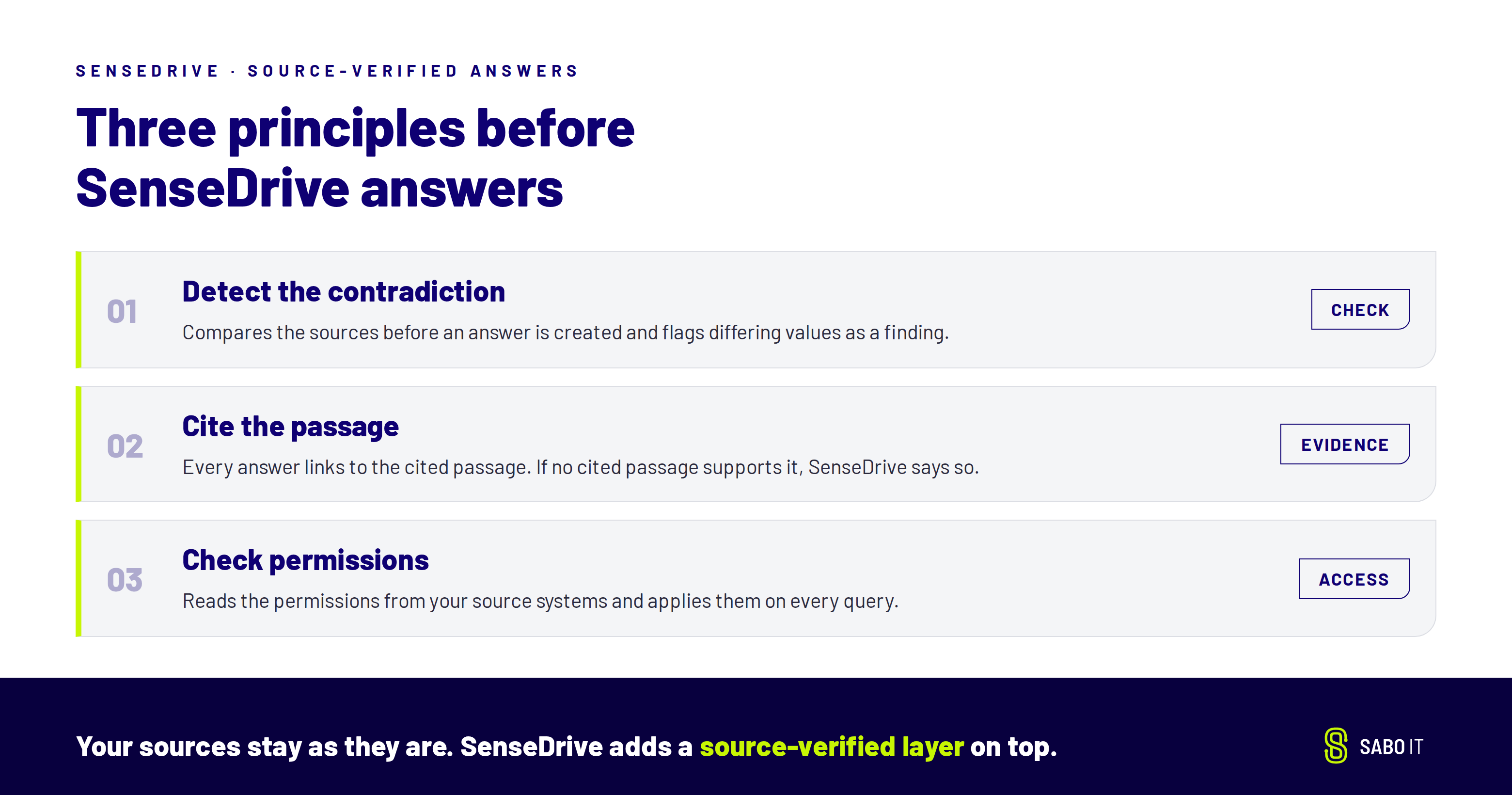
Three principles show how the platform works in day-to-day operations:
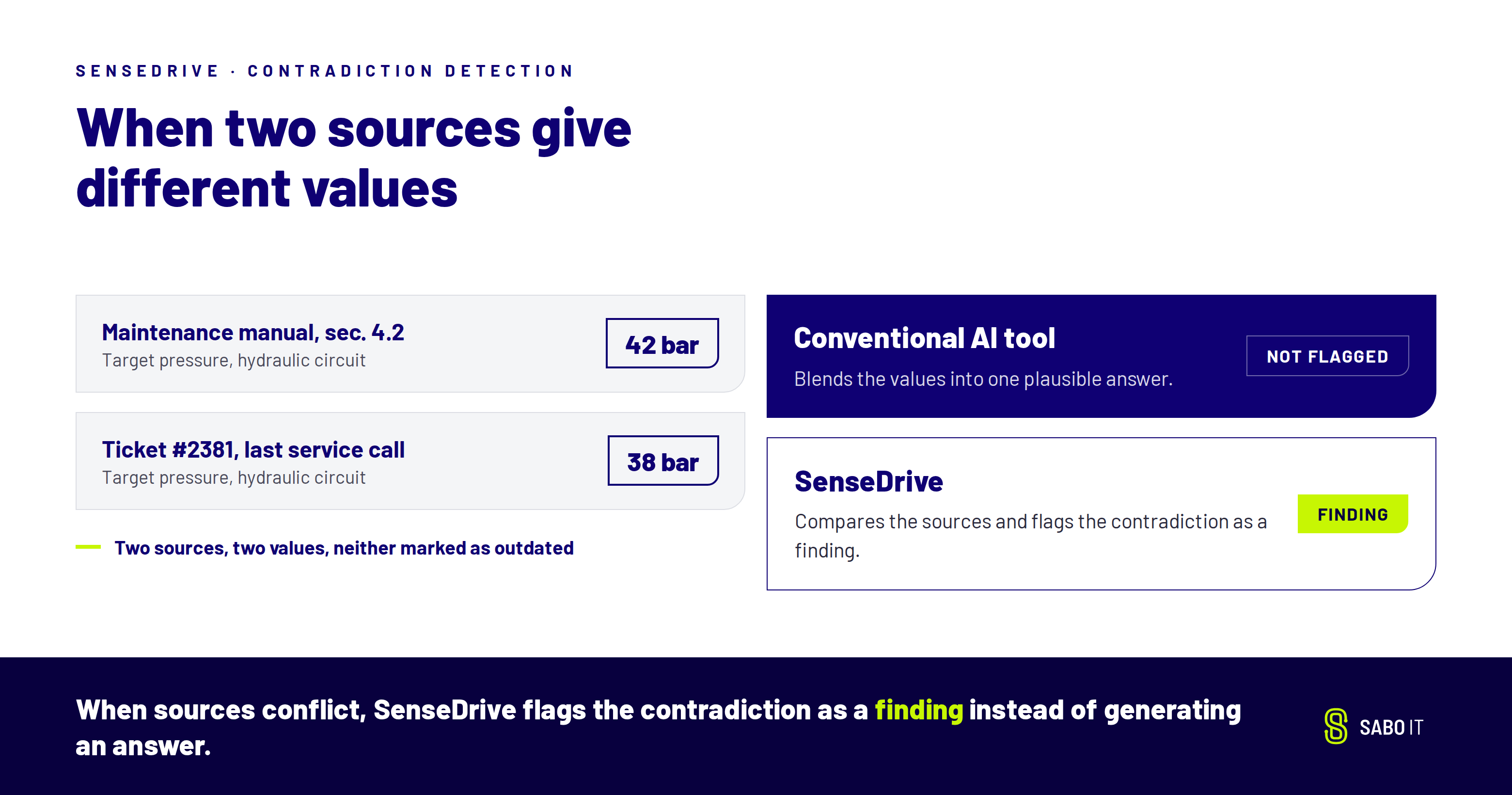
Before an answer is created, SenseDrive compares the sources. If two documents provide different values, the system flags the contradiction as a finding. Many AI tools generate a plausible blended answer in this situation, which is dangerous.
Every answer links to the cited passage on which it is based. The technician can check it before acting. If no cited passage supports the answer, SenseDrive says so. A reliable “No supporting information found” is more valuable than a convincing but incorrect answer.
SenseDrive reads the permissions from your source systems and applies them on every query. Management sees margins, a student employee does not. The system runs on your own IT infrastructure, with local language models if you want. Your queries do not leave your premises.
Finding a document is rarely enough. The technician needs the solution, not just the location. SenseDrive links information held in separate systems through a semantic layer: fault code → component → action → result.
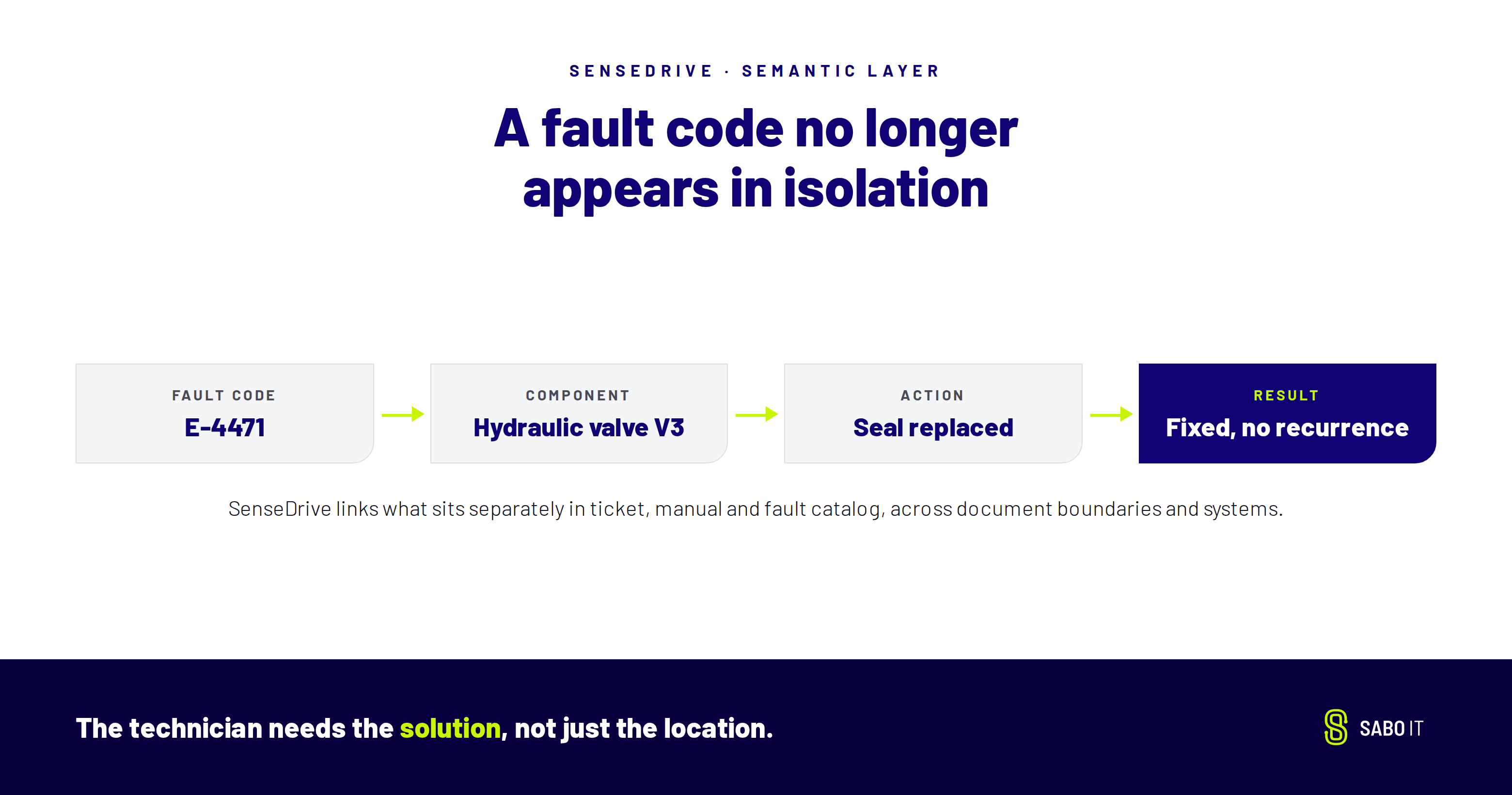
A fault code no longer appears in isolation. SenseDrive shows which component is typically affected, which action worked last time and what result it produced. These links are created across document boundaries, even when the ticket, manual and fault catalog are stored in completely different systems and use different wording.
That is what separates SenseDrive from a standard full-text search or a conventional document chat tool. Both return matches, but the semantic layer provides the context. SenseDrive makes this context available where the problem occurs: at the machine.
A semantic layer is only as good as its sources. SenseDrive connects to the sources that already hold your company’s knowledge, both online and offline:
New sources can be added at any time, without migrating existing content.
SenseDrive is not a shortcut. While a document chat tool can be up and running in five days, connecting source systems and permissions, indexing the content and checking for contradictions takes several weeks.
SABO IT evaluates SenseDrive with you, using your own use case and your own data.
In a 90-minute workshop, we collect around 15 of your toughest service questions from one specific use case, together with the relevant documents. Within six weeks, we show you what SenseDrive can deliver. We agree the metrics with you in advance: time to a source-verified answer, percentage of answers supported by cited passages and number of contradictions detected.
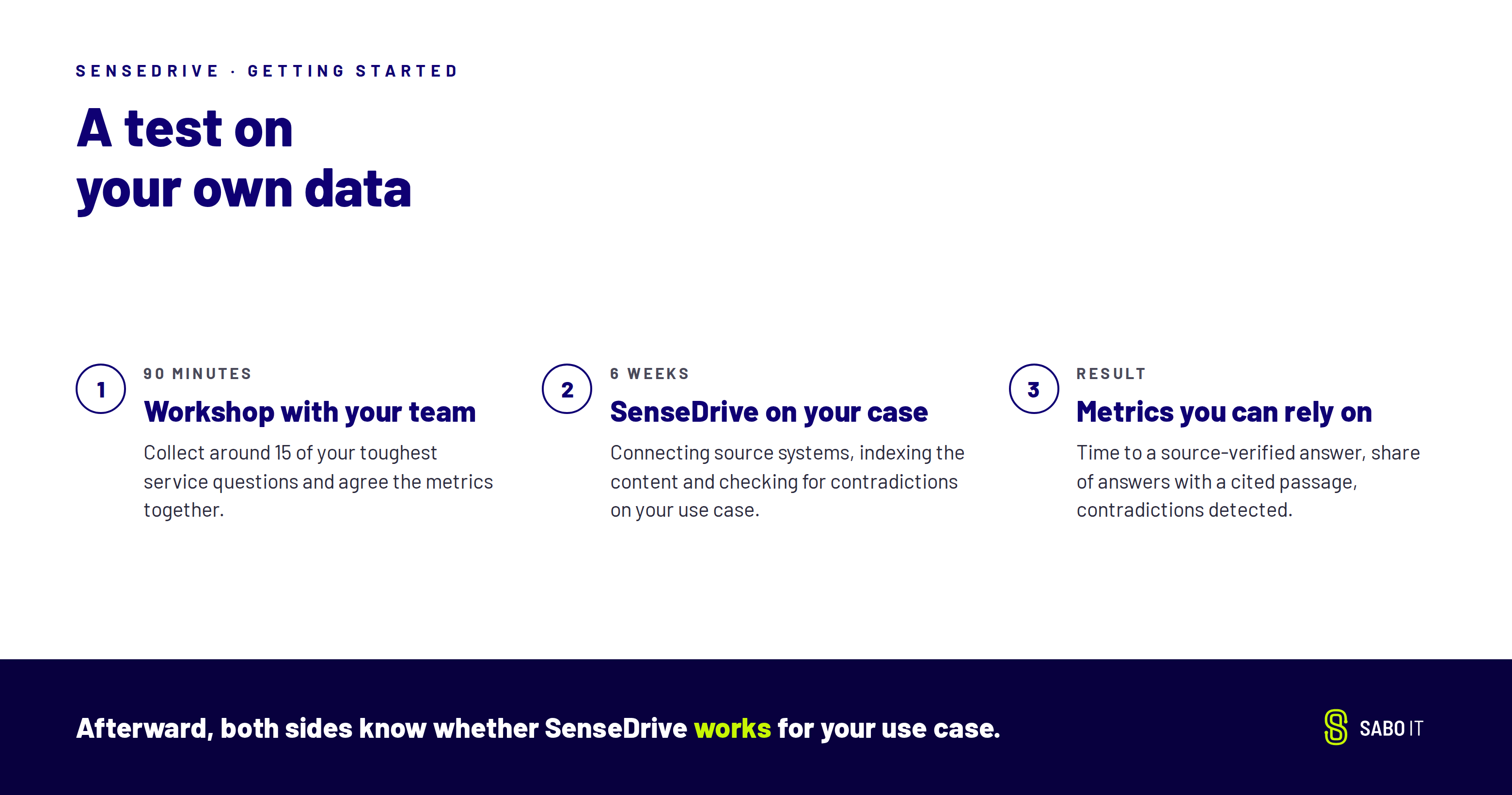
Afterward, both sides know whether SenseDrive works for your use case. Which of your service questions would you put to the test?